

Records drive every business decision, yet many organizations in the USA, UAE, Saudi Arabia and India still keep them in boxed archives and scattered folders.
When records stay trapped in file rooms, decisions slow down.
Locating a single contract can take hours. Manual tracking invites errors, file rooms consume valuable space, and paper stays exposed to damage, loss and unauthorized access. Teams spread across sites get limited visibility, and business continuity weakens when a disruption strikes.
The answer is a reliable document management system that turns paper, PDFs and shared drives into controlled, searchable digital records. That is the purpose of DocFerry from Effortz.
DocFerry is a practical solution that moves records safely from physical and digital sources into controlled repositories. It captures documents from file rooms, paper folders, PDFs, shared drives, spreadsheets and engineering drawings. It then processes them through scanning, ingestion, OCR, AI extraction and classification. A review stage follows, and the clean records are published to SharePoint, DMS platforms, cloud storage such as AWS or Azure, or a searchable document portal.
This makes DocFerry more than a scanning service. It works as enterprise document management software that connects digitization, intelligence and governance in one structured flow, from archive to secure access.
AI reads each document, extracts metadata and supports indexing so records can be retrieved quickly. Your team sets the classification standards and metadata fields that match your business rules.
OCR converts scanned pages and images into readable content, while classification sorts records by type, such as contracts, invoices, HR files or engineering drawings.
Automation handles the heavy work, and people keep control. Metadata validation, exception handling, human review and approval protect quality and trust.
Records are stored in secure digital repositories with role-based access, audit trails and support for retention and governance policies. Compliance teams get organized, searchable and traceable records.
Users search by document name, people or tags and reach results in seconds. DocFerry connects with SharePoint, DMS platforms and cloud storage, so records stay in the systems your teams already use.
A simple six-step flow takes paper or PDFs to searchable digital records.
Teams collect physical documents or digital files such as PDFs and images.
Paper is scanned or existing files are imported.
OCR and AI automatically read, extract and classify content.
Reviewers validate and enrich the extracted metadata for accuracy.
Human reviewRecords are securely uploaded and indexed with metadata in SharePoint, a DMS or cloud storage.
Users search, retrieve and govern records, with access controls, retention and governance policies applied.
Human validation remains part of the process for quality and trust. This is document workflow automation that speeds up the work without removing accountability.
The outcome is not just scanning. It is controlled digital access, better decisions and measurable operational value.
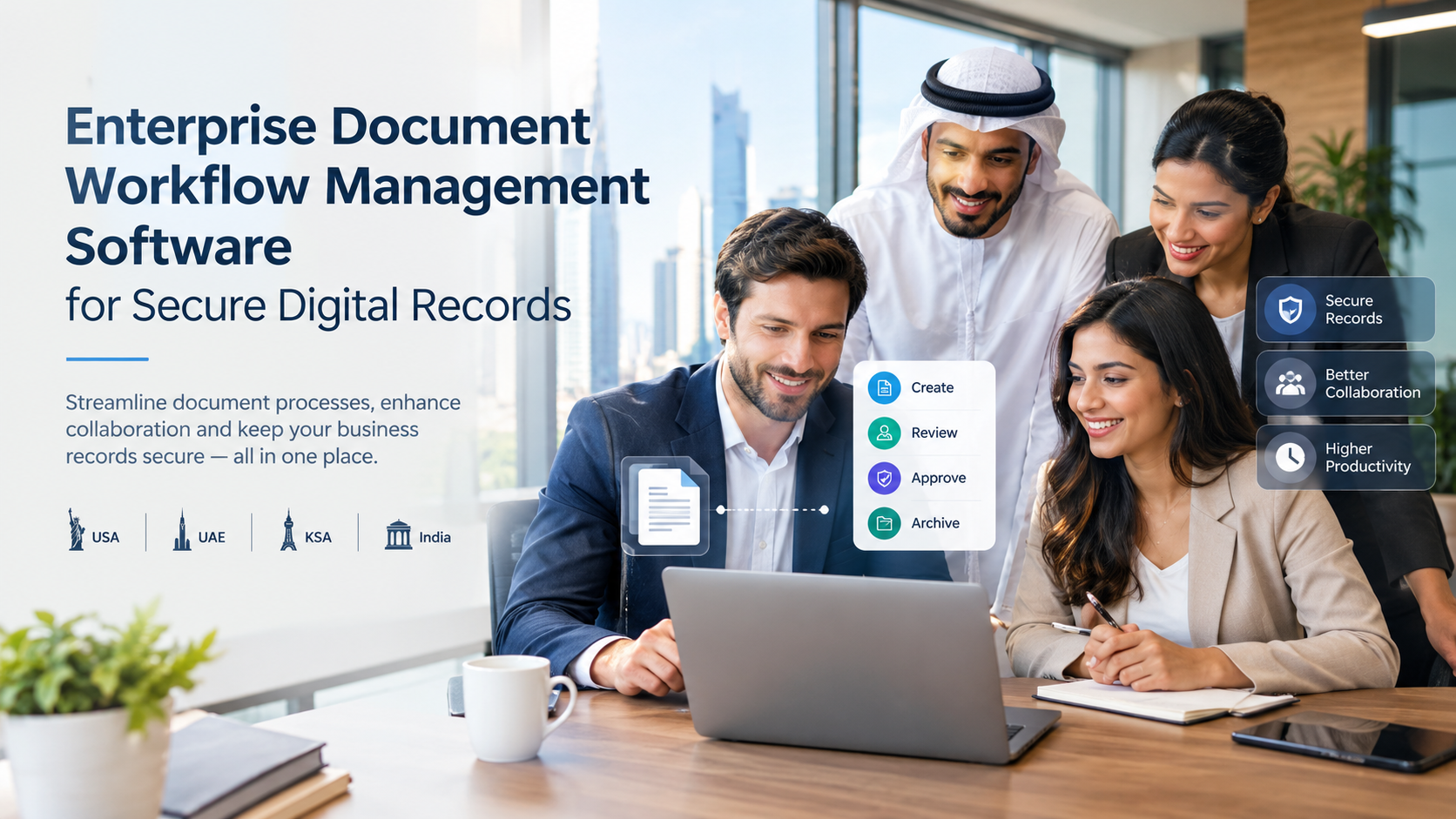
The right information is available when it is needed.
Lower dependency on manual handling cuts time, effort and human error.
Organized, searchable and traceable records improve compliance and audit readiness.
Digital copies reduce the risk of loss or damage from physical deterioration.
Digital copies support business continuity and crisis resilience by keeping critical documents accessible anytime, anywhere.
Teams across sites collaborate better.
The model scales across departments, locations and future needs.
DocFerry supports any organization that needs secure records digitization and controlled retrieval. Typical users include:
Whether a team in Houston, Abu Dhabi, Riyadh or Bengaluru manages contracts, invoices, drawings, HR files, asset records, quality documents, compliance files or technical manuals, the same structured flow applies.
DocFerry follows five clear stages.
We study your records, goals and environment.
Next comes defining metadata and rules, including classification standards, metadata fields and business logic.
Workflows, repositories and integrations are configured for SharePoint, DMS or cloud storage.
A sample set of records is validated so rules, workflows and quality controls can be refined.
Finally, the solution scales to full volumes, teams are enabled and operations settle into a steady state.
A small sample project helps establish SOPs, effort estimates, quality controls and rollout readiness for wider digitization.
Ready to move your records from file rooms to secure digital access? Start by:
Contact Effortz to book a demo and see how DocFerry fits your organization.
Book a demoDocFerry is a document digitization and management solution from Effortz. It moves physical and digital records into SharePoint, DMS platforms or cloud storage using scanning, OCR, AI-assisted indexing, metadata extraction and human review.
It follows six steps: collect records, scan or import files, extract data with OCR and AI, review and confirm metadata, upload and index in the chosen repository, then search, retrieve and govern records with access controls and retention policies.
A traditional document management system mainly stores and organizes files that are already digital. DocFerry covers the full journey, from file rooms and paper folders through scanning, AI extraction and validation, into the repository your organization chooses.
AI extracts metadata and classifies content quickly, which makes records searchable in seconds. Human reviewers then validate metadata and resolve exceptions, so the indexed information is accurate and trusted before approval.
Any organization with records to digitize can benefit, including government agencies, manufacturing, oil and gas, healthcare, logistics, education, construction, legal, finance, HR and engineering teams in the USA, UAE, Saudi Arabia and India.